The box view
Opening a save lands here: your boxes on the left, the selected Pokemon on the right.
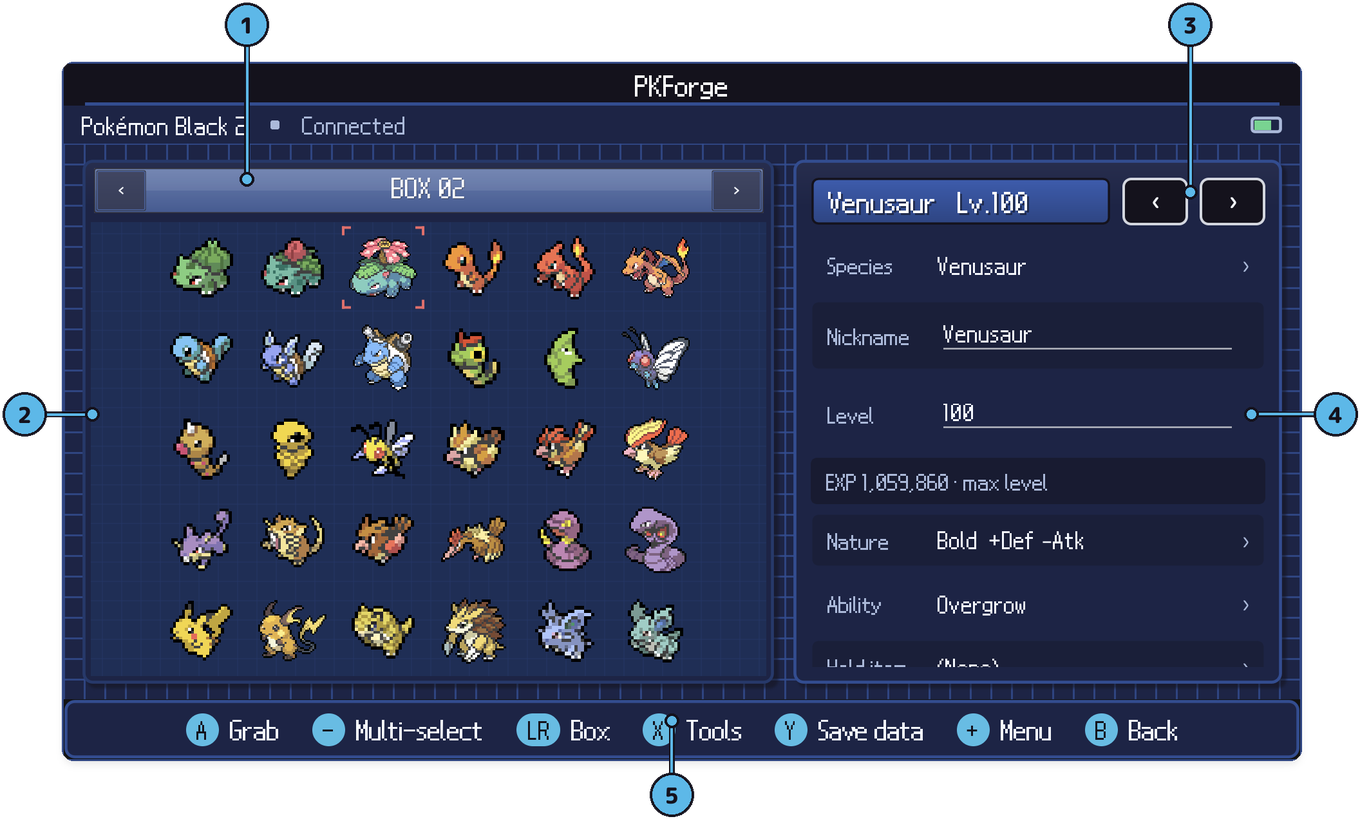
- Box bar. The current box. L / R (or the arrows) change box; the party is one of the stops.
- The box. Move the cursor with the D-pad, or tap.
- Previous / next Pokemon in the editor.
- Editor panel. Species, nickname, level, nature, ability, item and more, edited in place. See Editing a Pokemon.
- Footer. A grab, − multi-select, LR box, X tools, Y save data, + menu, B back.
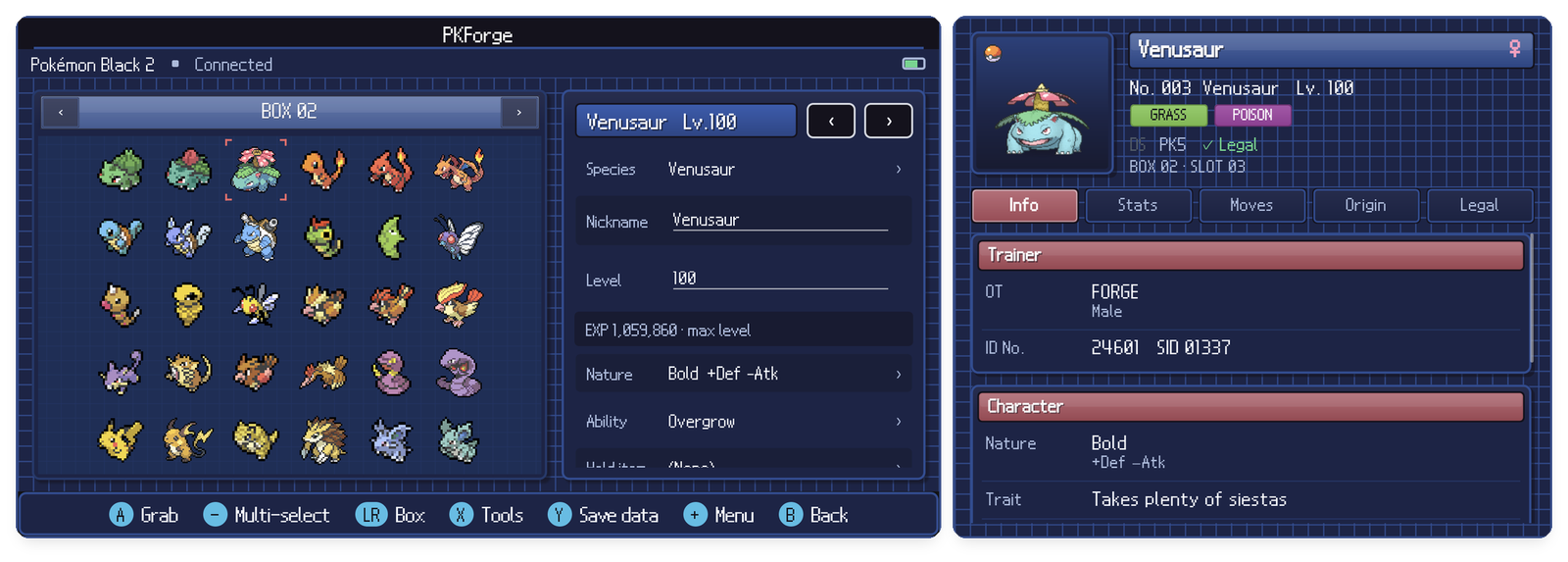
With a second screen, the full inspector follows the cursor:
Moving Pokemon
- Gamepad. Press A to pick a Pokemon up with the hand, move, A again to drop or swap. Dropping into the party asks for a second A on the same slot to confirm.
- Touch. Tap to select, tap the selected Pokemon again to grab it, tap where it goes.
Moves inside a save are written when you place the Pokemon, with a restore point first.
Multi-select
Press − (Multi-select). The hand turns green.
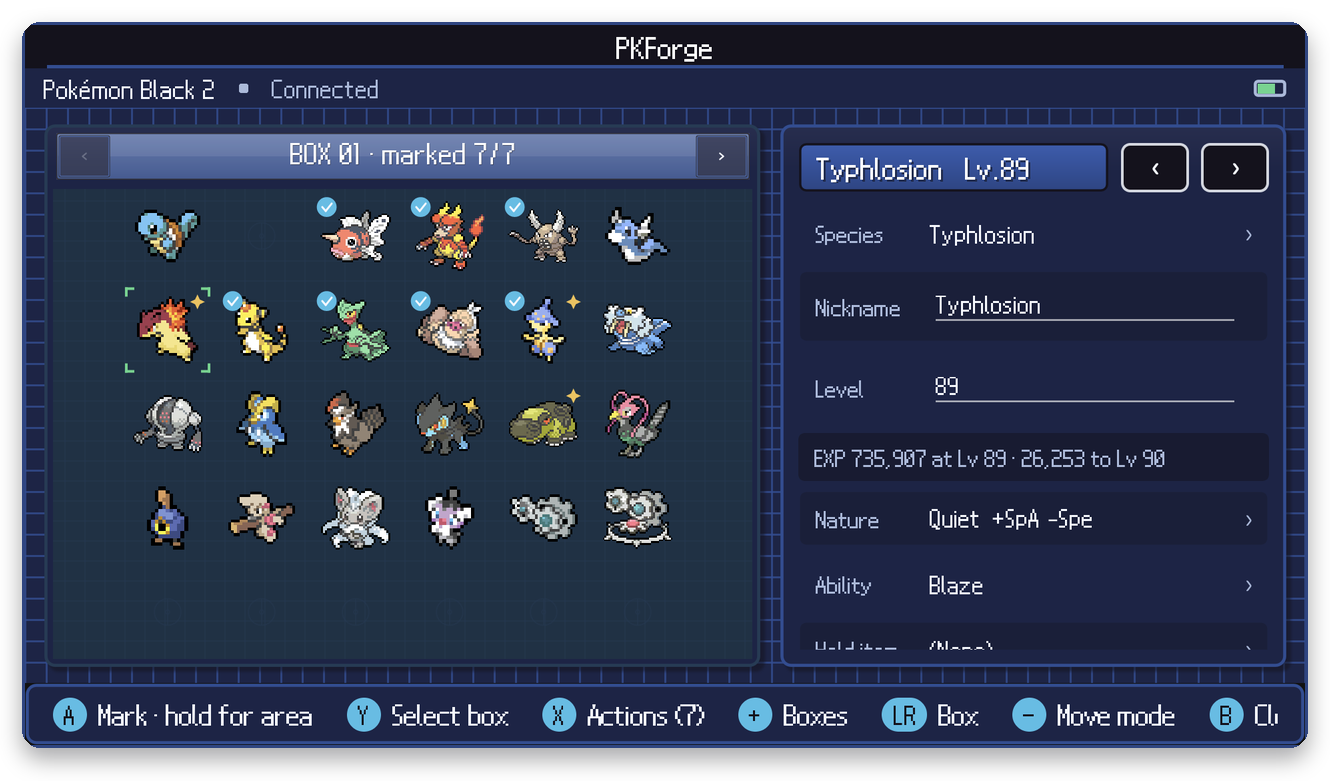
- A marks one Pokemon; hold A and move to mark a rectangle. On touch, tap to mark, drag to sweep.
- Y marks or unmarks the whole box.
- X opens the actions for everything marked. Marks stay while you change box.
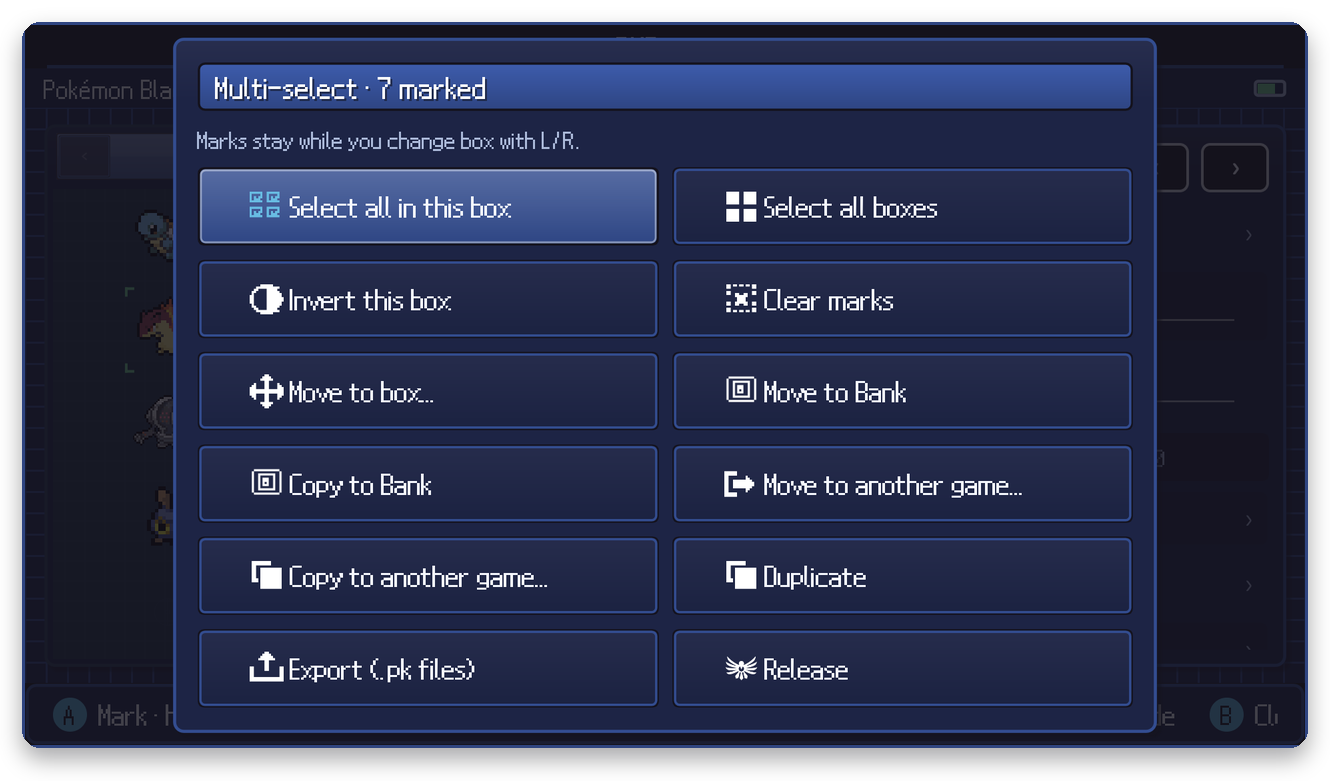
Actions include: move to another box, move or copy to the Bank, move or copy to another game, duplicate, export as .pk files, release, and bulk tools (legalize, make or remove shiny, heal, delete clones, set yourself as handler on Gen 6+).
The menus
| Button | Menu | Page |
|---|---|---|
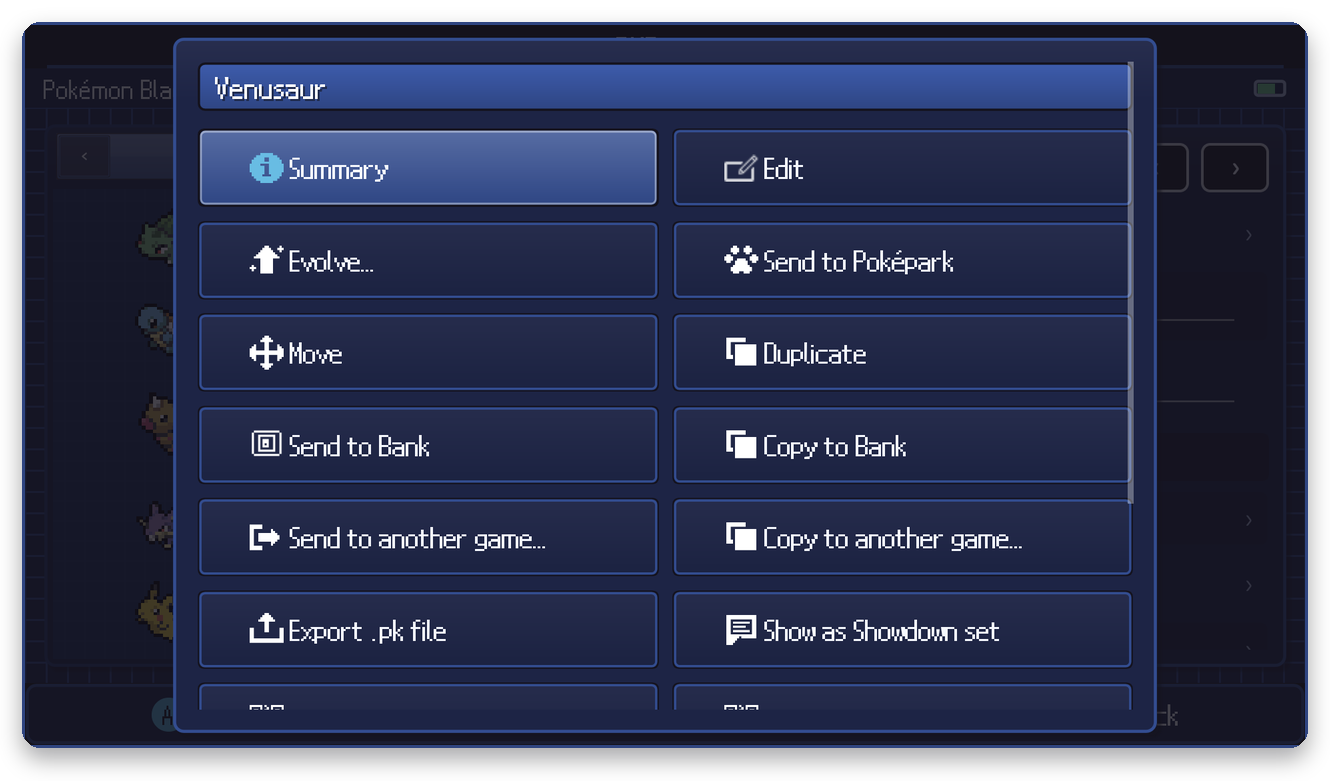
| + on a Pokemon | Summary, edit, evolve, move, duplicate, send to the Bank / another game / Poképark, export, Showdown, QR | Editing a Pokemon |
| + on an empty slot | Create a Pokemon, paste a Showdown set, import a .pk file, from the event database | Creating Pokemon |
| X | Storage tools | Storage tools |
| Y | Save data: trainer, bag, Pokédex, events, world, restore points | Save data editors |