
melonDS
Platform: Nintendo DS · Save files: .sav
Steps
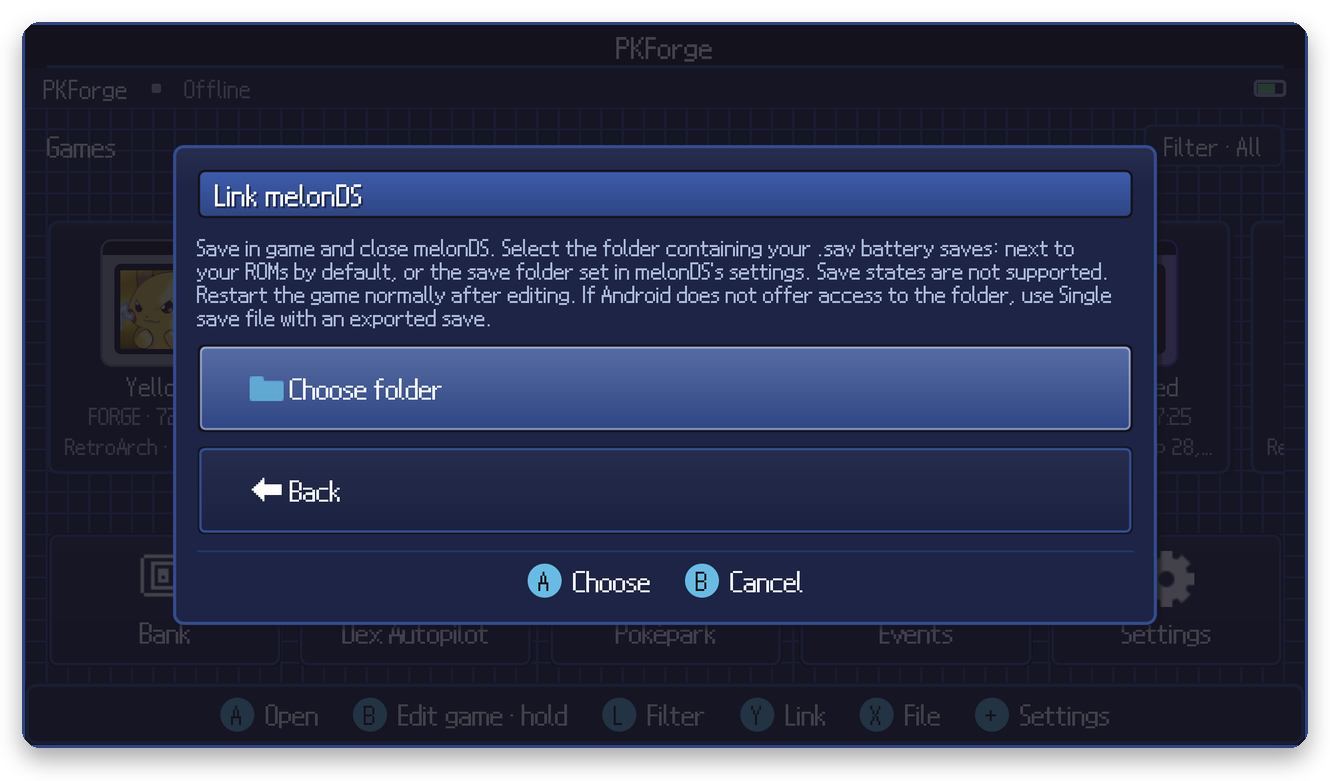
- Save in game and close melonDS.
- In PKForge: Y (Link) > Nintendo DS > melonDS > Choose folder.
- Select the folder that holds your
.savbattery saves. By default melonDS writes them next to your ROMs; if you set a save folder in melonDS's settings, pick that one instead.
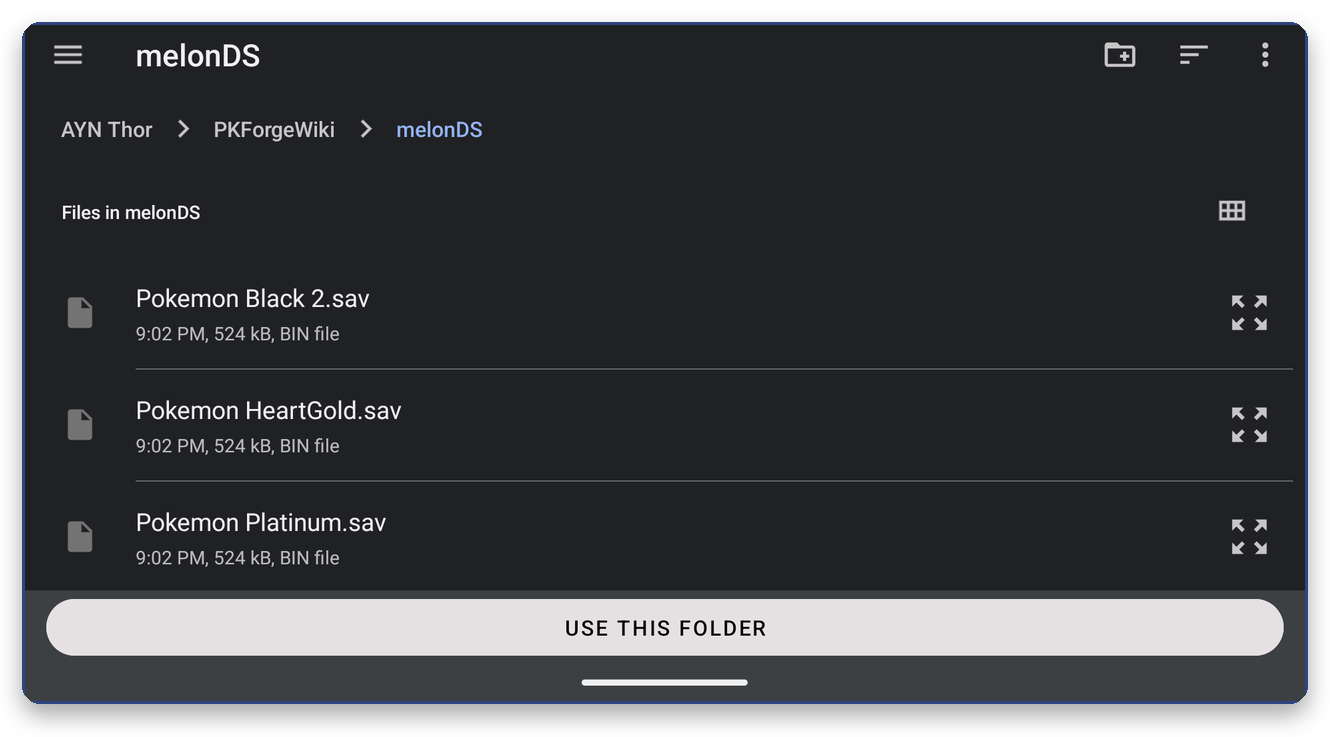
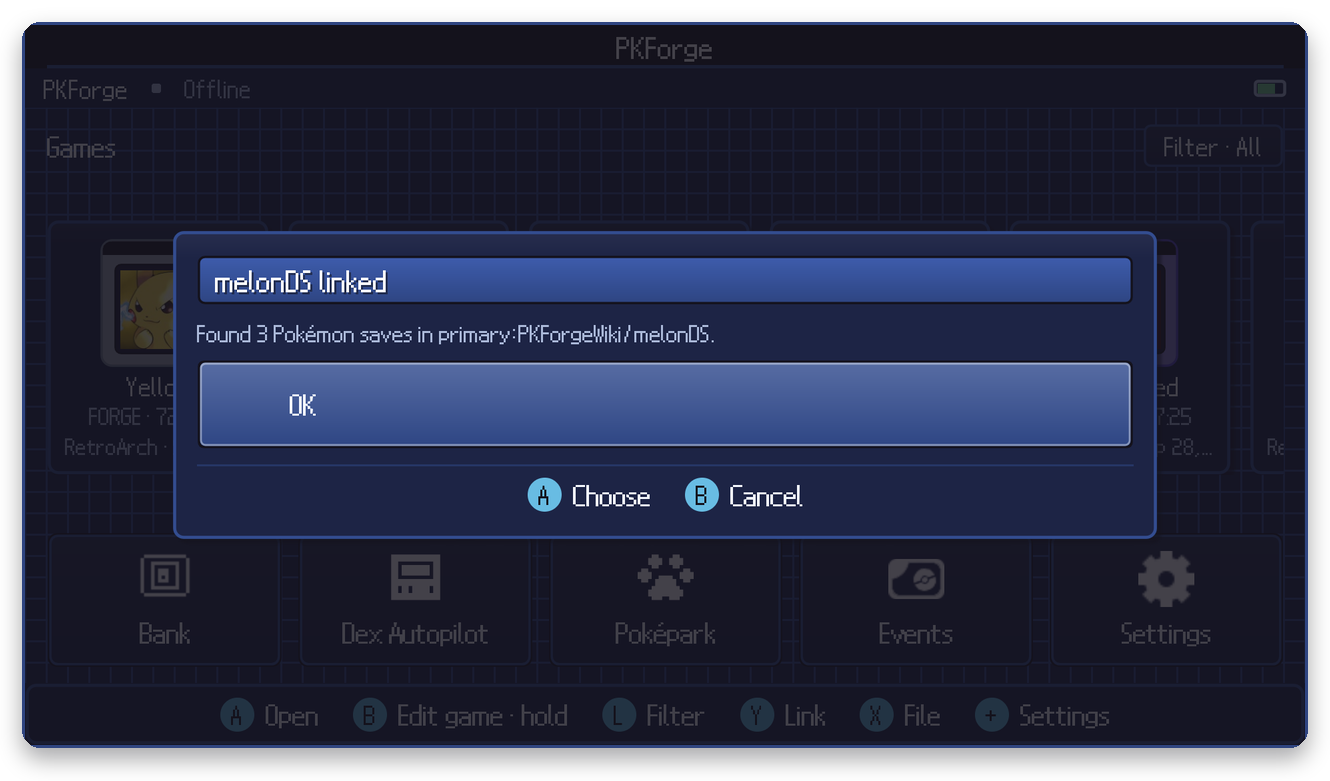
PKForge walks roms folders for melonDS, so linking your ROM folder works.
After editing
Restart the game normally. Save states are not supported and must not be loaded after an edit.