Dolphin (Colosseum and XD)
Platform: GameCube · Games: Pokemon Colosseum, Pokemon XD: Gale of Darkness · Save files: .gci
Steps
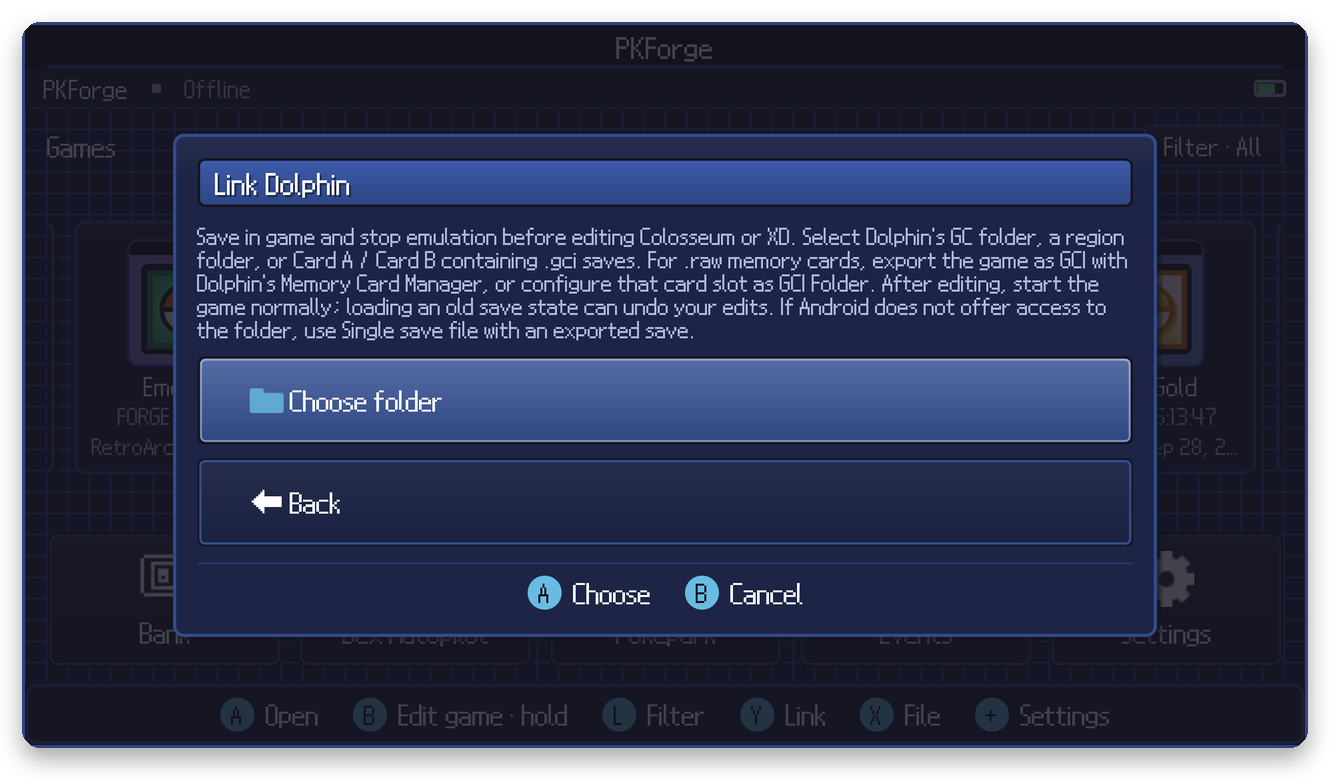
- Save in game and stop emulation in Dolphin.
- In PKForge: Y (Link) > GameCube > Dolphin > Choose folder.
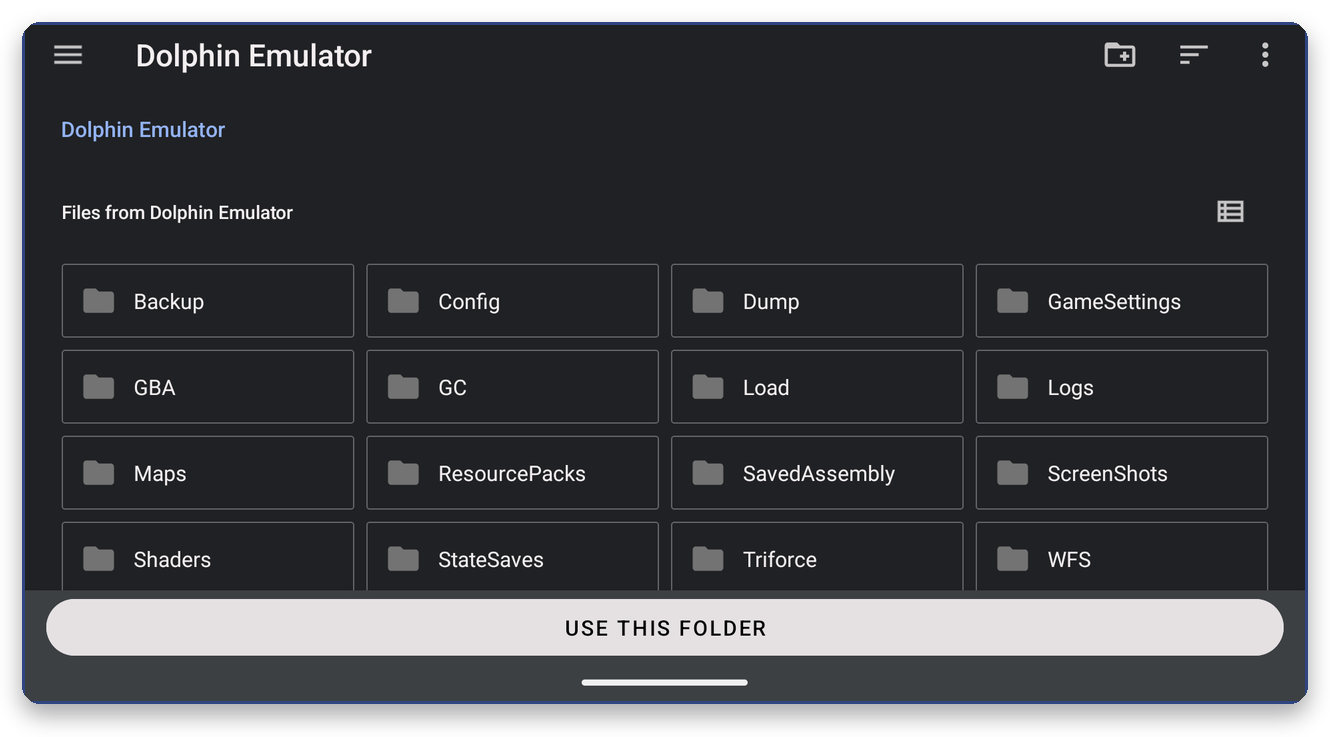
- Open the side menu (☰) and tap Dolphin Emulator, then select the top folder, Dolphin's
GCfolder, a region folder (GC/USA,GC/EUR,GC/JAP), orCard A/Card B. The default layout isGC/<region>/Card AandGC/<region>/Card B.
Memory cards (.raw, .gcp)
PKForge edits individual .gci saves, not whole memory card images. If your games live in a .raw memory card, choose one of these:
- GCI Folder (recommended): in Dolphin's GameCube settings, set the memory card slot to GCI Folder. Dolphin then keeps each save as its own
.gcifile that PKForge can link. - Export: use Dolphin's Memory Card Manager to export the Colosseum or XD save as a
.gci, edit it with PKForge, then import it back into the card.
Linking a folder with only .raw / .gcp cards finds nothing and the scan report tells you why.
After editing
Start the game normally. Loading an old Dolphin save state can undo your edits.