Settings
On Home press +, or open the Settings tile.
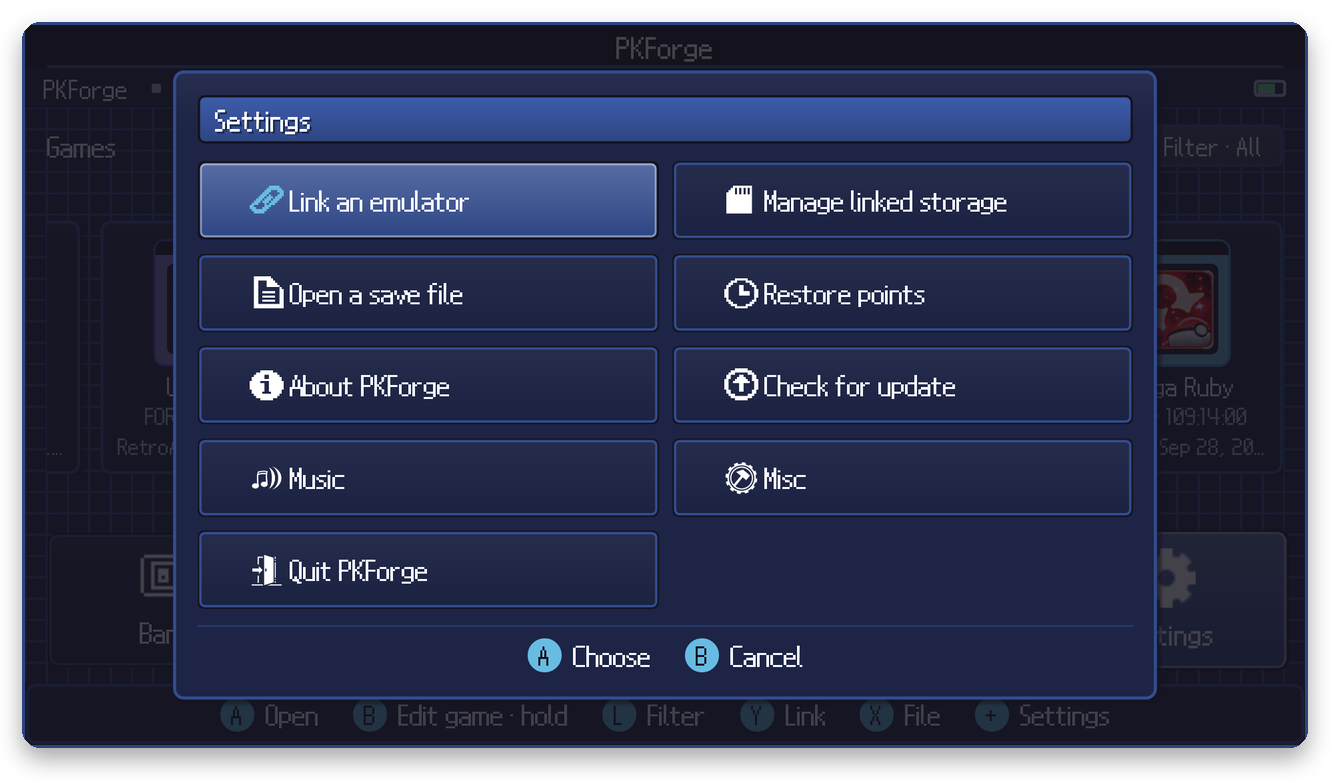
| Entry | What it does |
|---|---|
| Link an emulator | Add a storage unit. See Linking your emulator. |
| Manage linked storage | Unlink one folder or all of them. Your files stay on the device. |
| Open a save file | Open a single file. See Single save file. |
| Show hidden saves | Bring back saves you hid from Home (shown only when some are hidden). |
| Restore points | See Restore points & safety. |
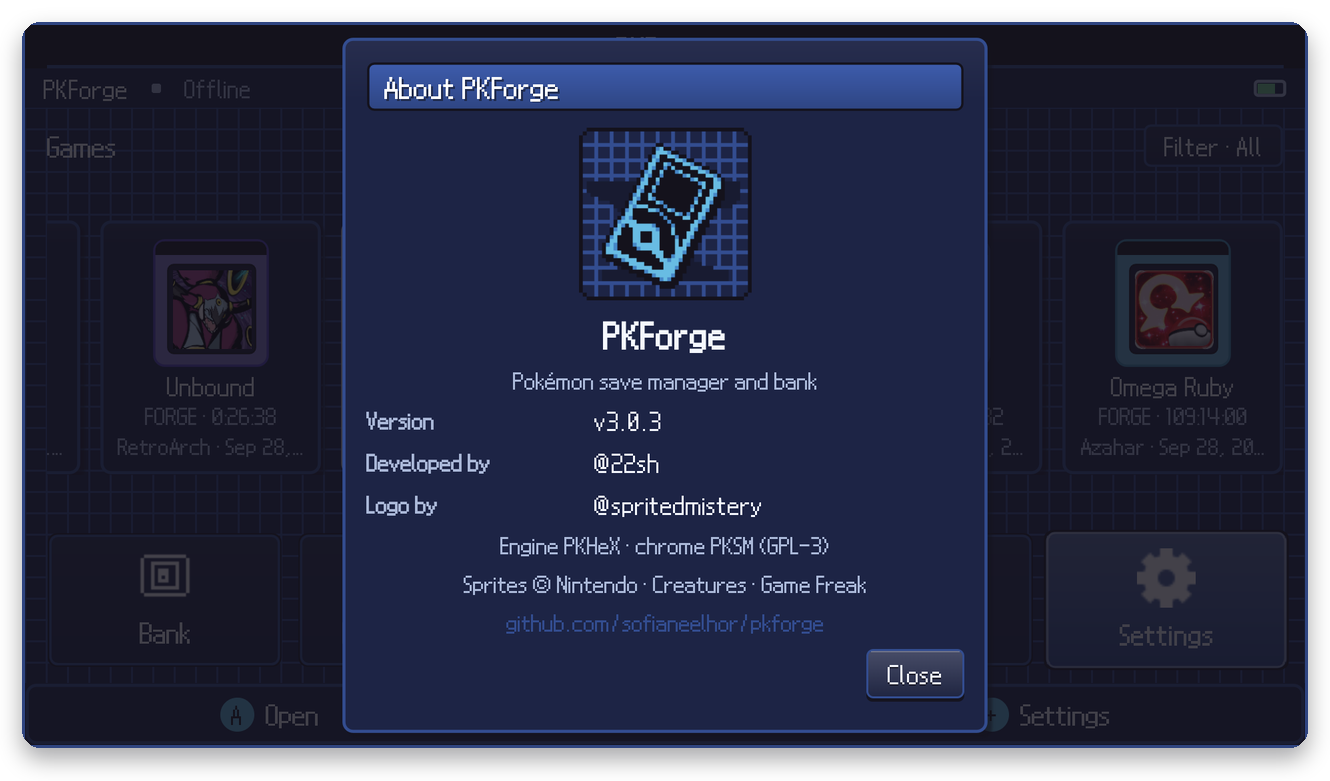
| About PKForge | Version and credits. |
| Check for update | Look for a newer release on GitHub. |
| Music | Background music player. |
| Misc | Everything else (below). |
| Quit PKForge | Close the app. |
Misc
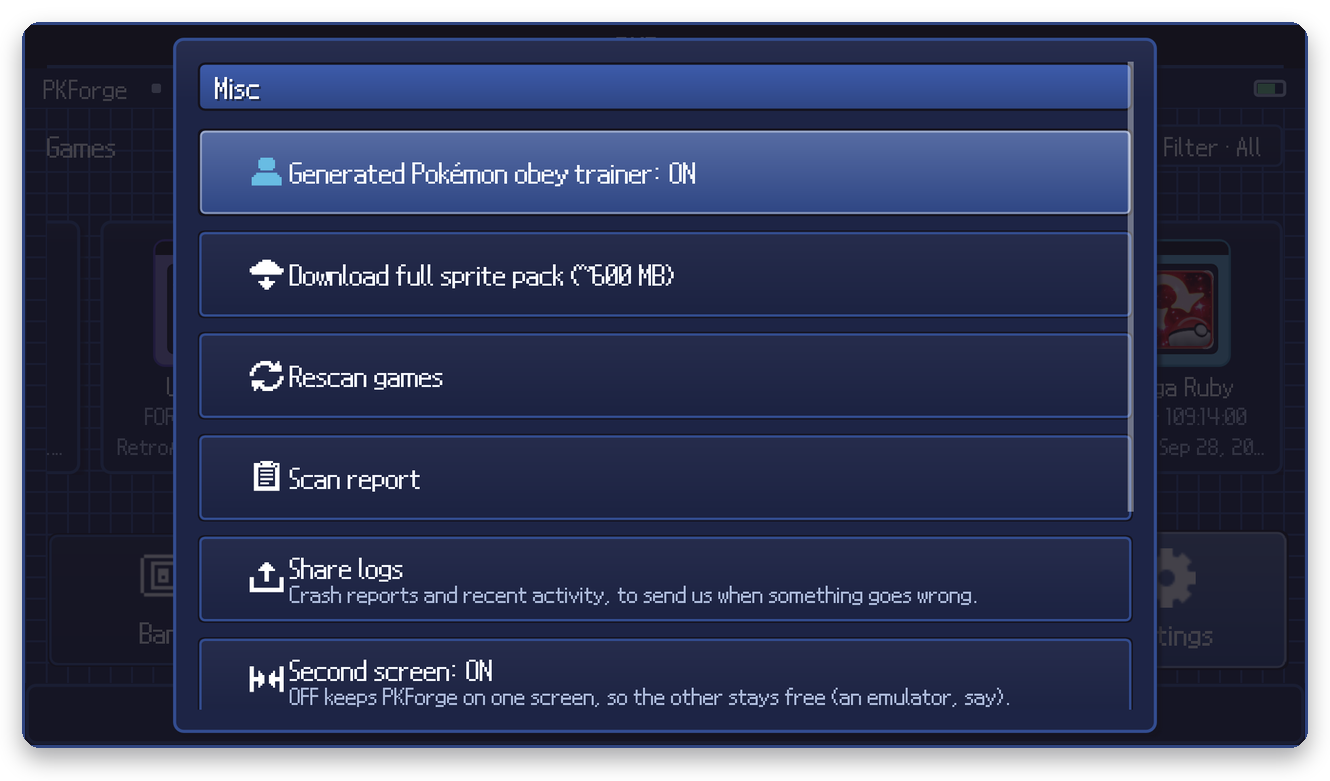
| Entry | What it does |
|---|---|
| Generated Pokemon obey trainer | ON: Pokemon you create are owned by the open save's trainer. OFF: they may use Auto Legality's own trainer data. |
| Download full sprite pack | The optional ~600 MB offline sprite pack. |
| Rescan games | Scan every linked folder again. |
| Scan report | What the last scan saw, accepted and rejected, with a Copy report button. |
| Share logs | Zip of recent activity and crash reports for support. See Troubleshooting. |
| Second screen | ON / OFF. OFF keeps PKForge on one screen so the other stays free, for an emulator for example. |
| HaX mode | See Legality. |
| Hardcore mode | See Legality. |
Music
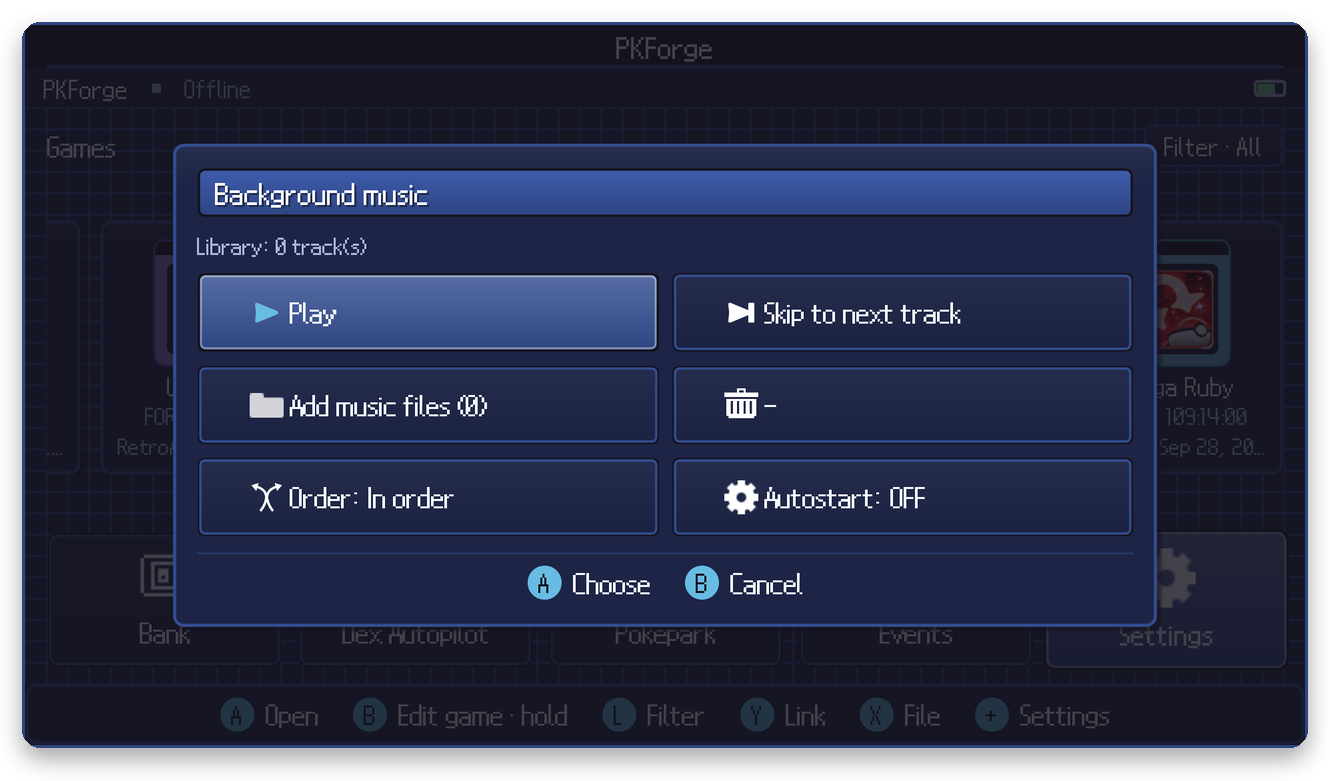
Add your own music files, play / pause, skip, play in order or shuffled, and choose whether music starts with the app.