Azahar / Lime3DS
Platform: Nintendo 3DS · Games: X, Y, Omega Ruby, Alpha Sapphire, Sun, Moon, Ultra Sun, Ultra Moon · Save file: main
Azahar and Lime3DS share the Citra save layout, so they link the same way.
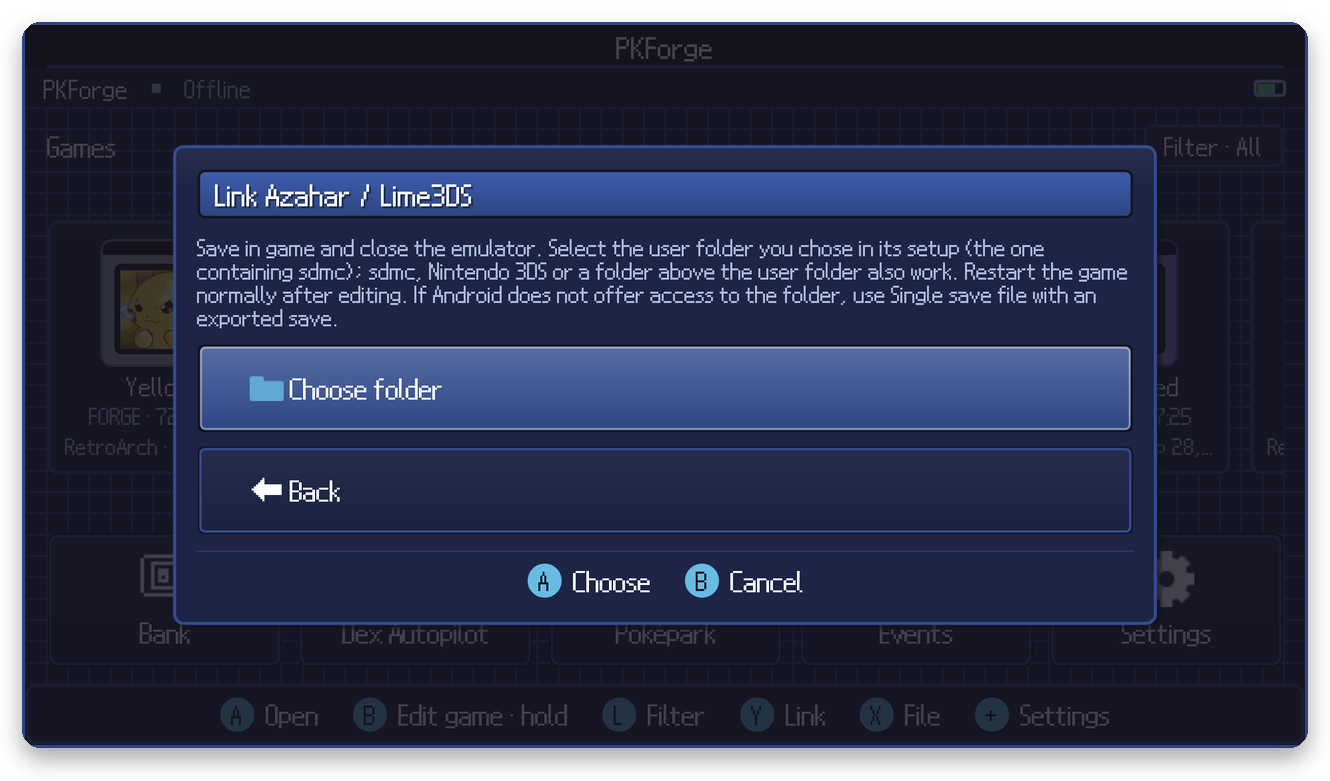
Steps
- Save in game and close the emulator.
- In PKForge: Y (Link) > Nintendo 3DS > Azahar / Lime3DS > Choose folder.
- Select the user folder you picked during the emulator's first setup: the one that contains
sdmc.
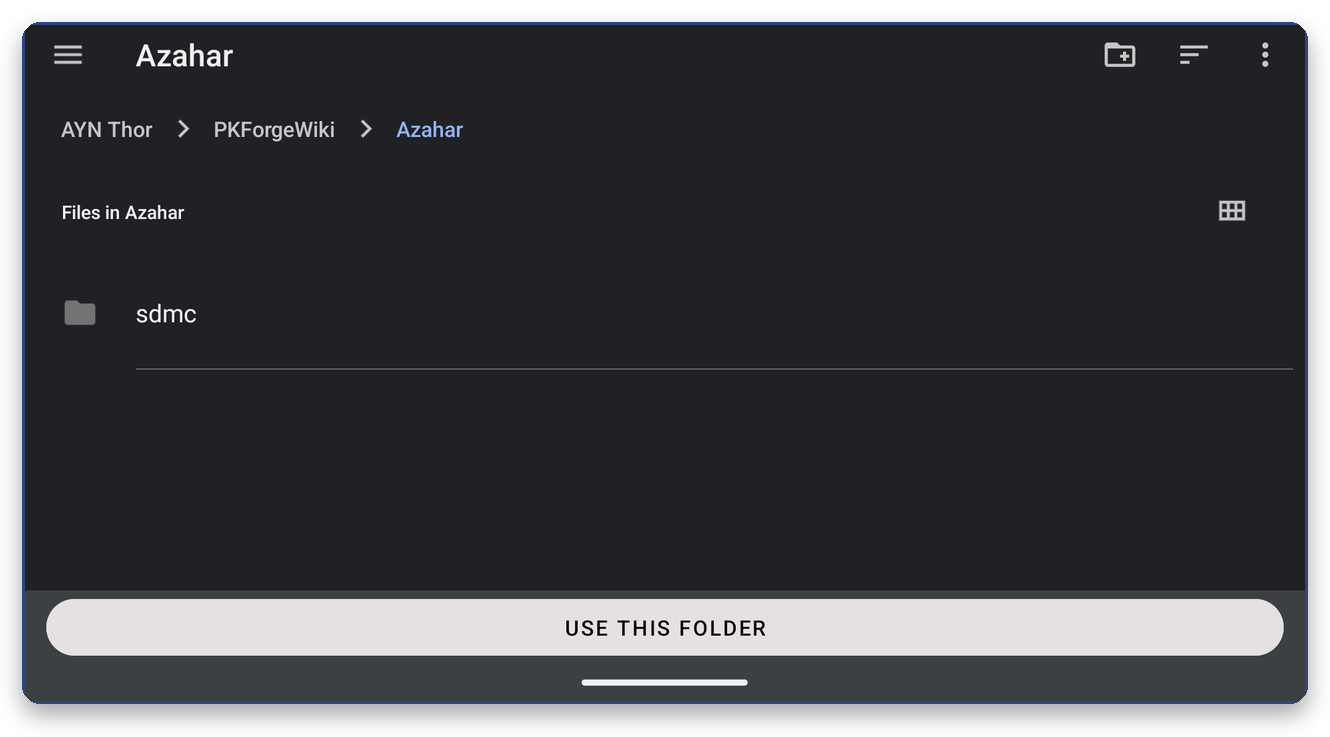
These also work: the sdmc folder, the Nintendo 3DS folder, a folder a few levels above the user folder, or any folder below Nintendo 3DS down to a single game. Folder names match in any letter case.
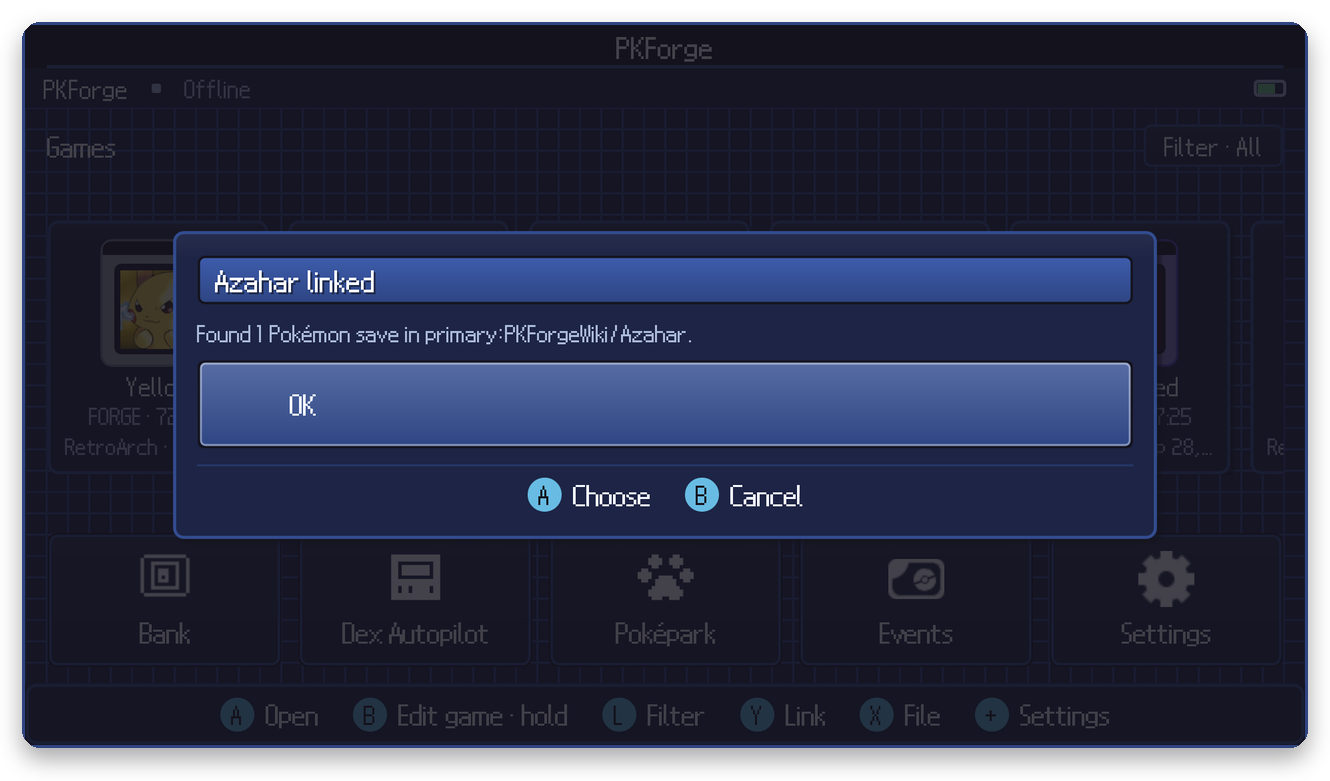
Where the save is
<user folder>/sdmc/Nintendo 3DS/<ID0>/<ID1>/title/00040000/<game>/data/00000001/main
main is the save. The format is identical in every Citra-family emulator.
Connecting
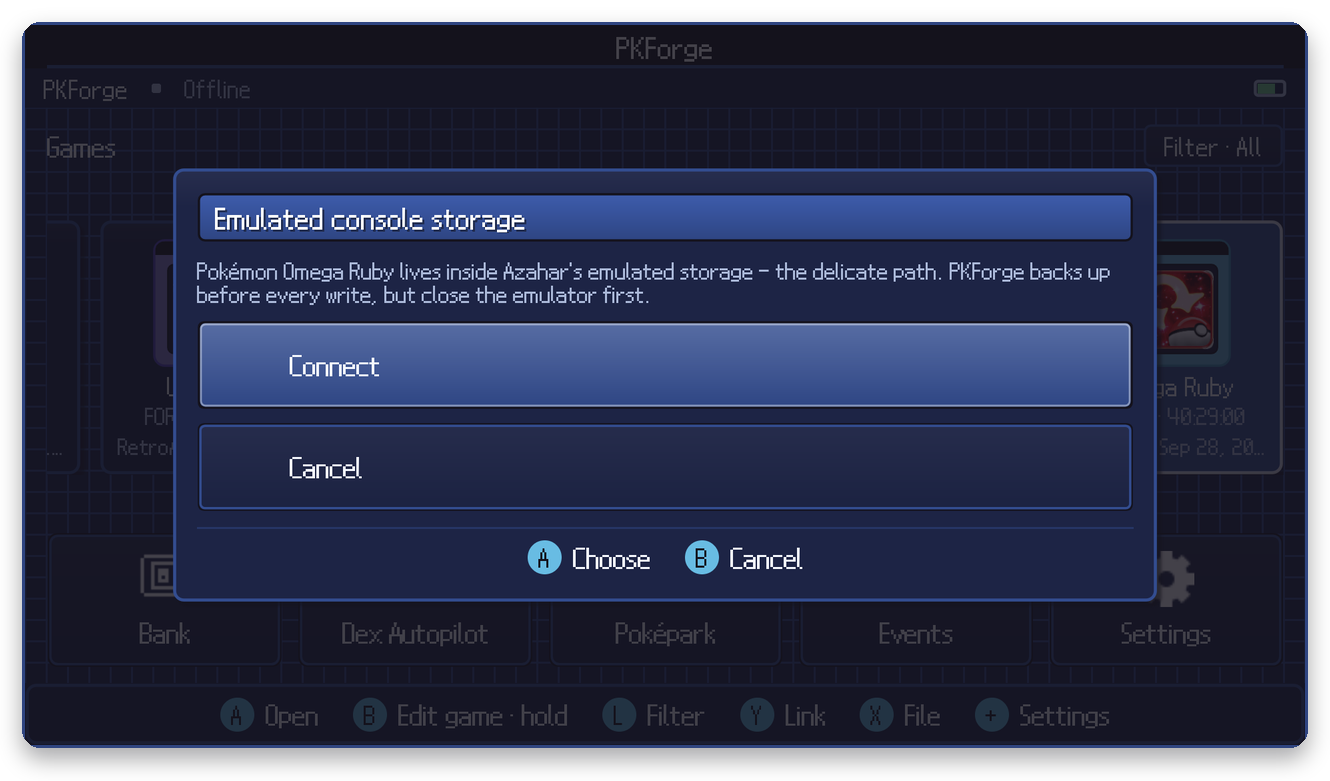
The save lives inside the emulator's emulated SD card and is edited in place, so PKForge asks you to confirm and backs it up before every write.
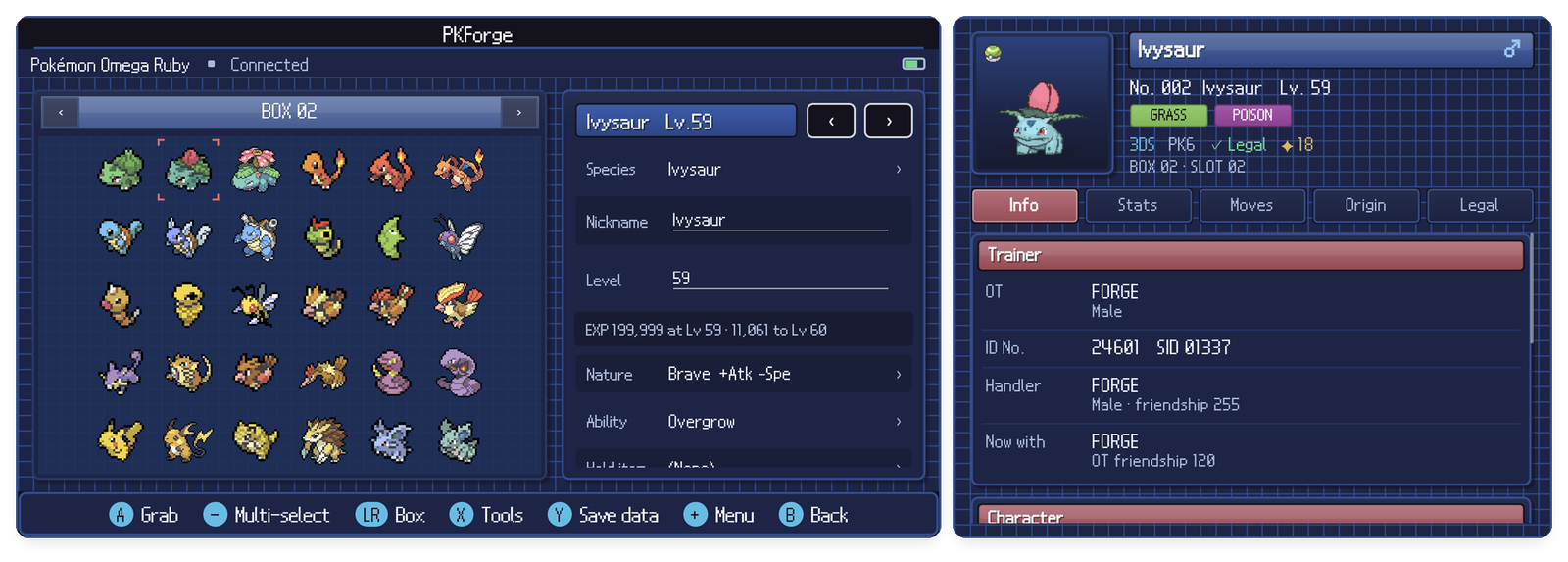
After editing
Start the game normally from the emulator.