
DraStic
Platform: Nintendo DS · Save files: .dsv
Steps
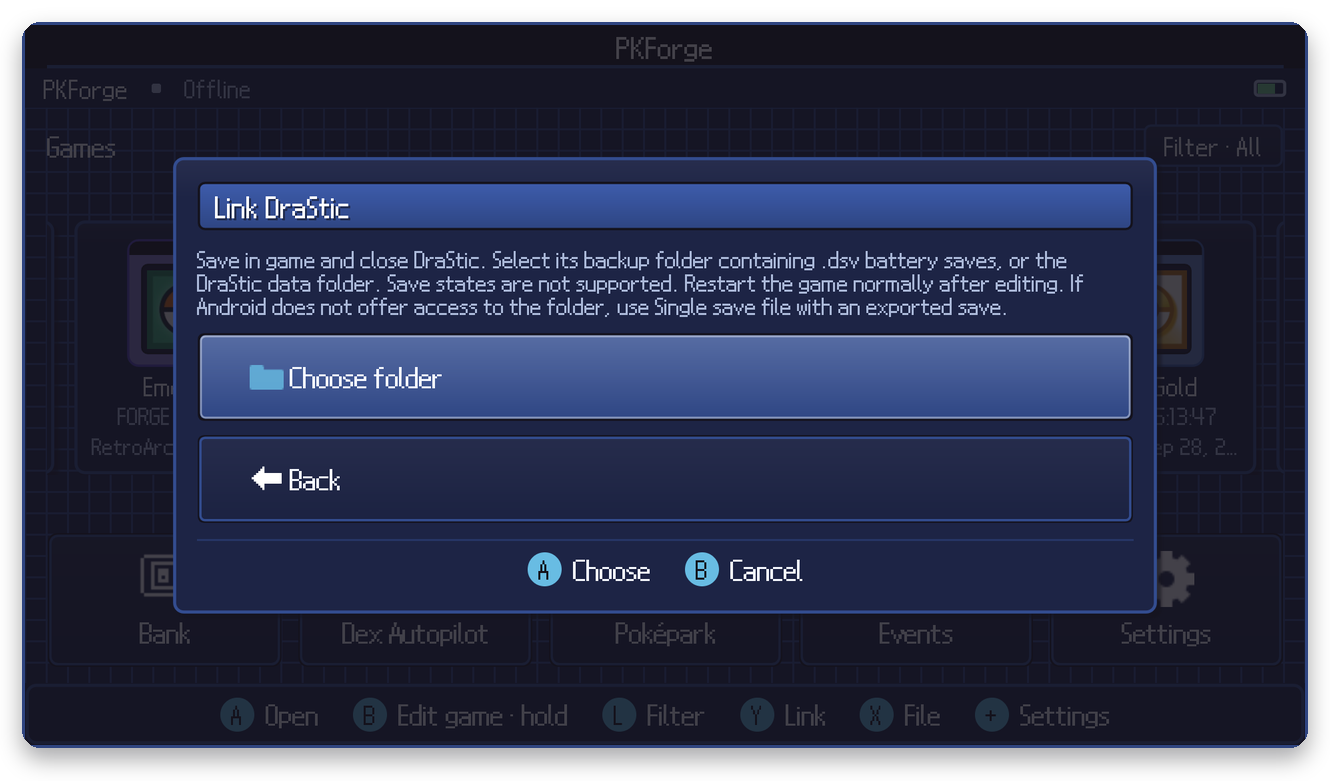
- Save in game and close DraStic.
- In PKForge: Y (Link) > Nintendo DS > DraStic > Choose folder.
- Select DraStic's
backupfolder (it contains the.dsvbattery saves), or the DraStic data folder above it.
DraStic's save states live in a separate folder and are never read.
After editing
Restart the game normally. Do not load a DraStic save state made before the edit.