
Getting Started
How to install PKForge and open your first save.
1. Install
- Download the latest
PKForge-vX.Y.Z.apkfrom the Download page. - Open it on your device. Android asks you to allow installs from the app you opened it with (your browser or file manager) the first time.
- PKForge is built for 64-bit ARM (arm64) Android devices: phones, tablets and handhelds such as the AYN Thor, Retroid or AYANEO.
Updating later is the same: install the new APK over the old one. Your linked folders, Bank and restore points are kept.
Important
The Bank, restore points and settings live in PKForge's private app storage. Uninstalling PKForge deletes them. Your emulator saves are never inside PKForge, so they are not affected. Export your Bank before uninstalling (see The Bank).
2. First launch
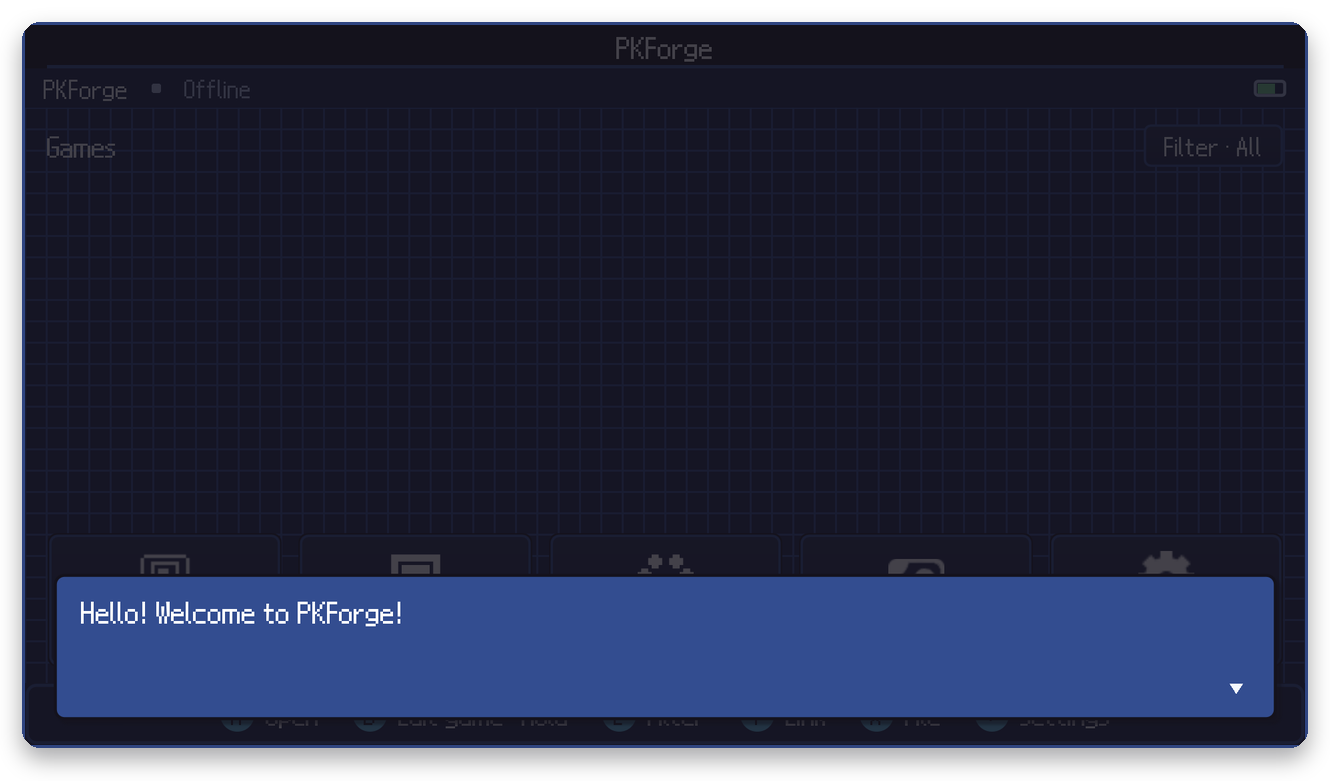
A short welcome plays, then the Get started menu opens:
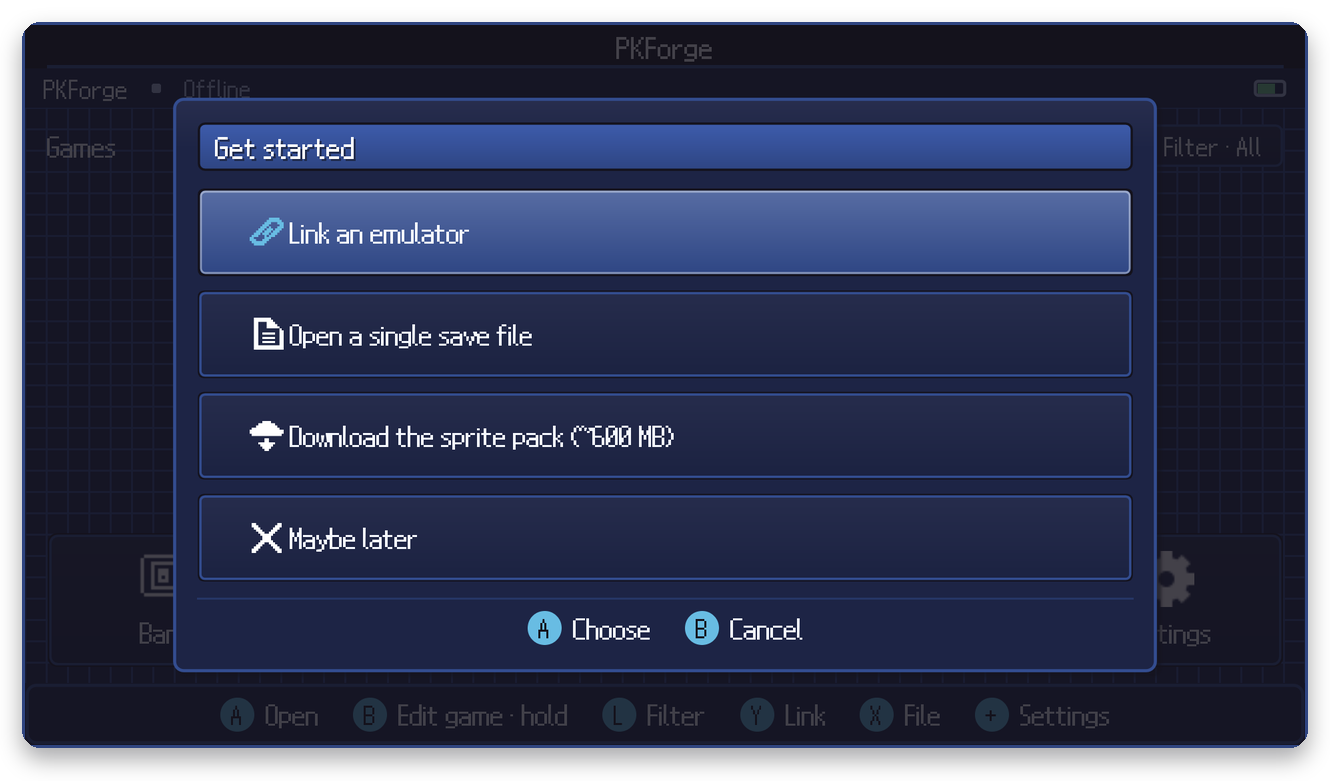
| Choice | What it does |
|---|---|
| Link an emulator | Pick your emulator and its save folder. This is the recommended way: every save in that folder appears on the Home shelf and stays there. See Linking your emulator. |
| Open a single save file | Open one file directly, for example an exported save. See Single save file. |
| Download the sprite pack | Optional ~600 MB download of high-quality sprites (see below). |
| Maybe later | Close the menu. Everything is reachable later from Home. |
3. The sprite pack (Recommended)
PKForge already includes the sprites it needs. The sprite pack adds an offline set of animated Showdown sprites, HOME-style renders and item icons .
- Size: about 600 MB, downloaded once from the PKForge GitHub releases.
- The download resumes if it is interrupted, and the archive is verified before use.
- It only adds files and never overwrites your data.
- Start it from Get started or from Settings > Misc > Download full sprite pack.
4. Updates
When a newer release exists, PKForge offers it when you reach Home: Yes downloads and installs it (Android asks you to confirm), No asks again later, Don't remind me skips that version. You can also check by hand from Settings > Check for update.
5. Controls
PKForge works with a gamepad and with touch. The footer at the bottom of every screen always shows what each button does right now.
| Button | Most of the time |
|---|---|
| A | Open / choose / grab |
| B | Back / cancel |
| X | Tools (in a save) · File (on Home) |
| Y | Save data (in a save) · Link (on Home) |
| L / R | Previous / next box or page |
| + | Menu / Settings |
| − | Multi-select |
More in Controls & dual screens.
Next
Continue with Linking your emulator.